Help when you need it. Answers before you ask.
Whether you're setting up CarrierLink for the first time, troubleshooting a GPS issue, or figuring out how to upload a POD, we have you covered. Most issues can be resolved in the app or through FourKites Connect. When you need a person, our carrier support team is here.


Getting started with CarrierLink
01
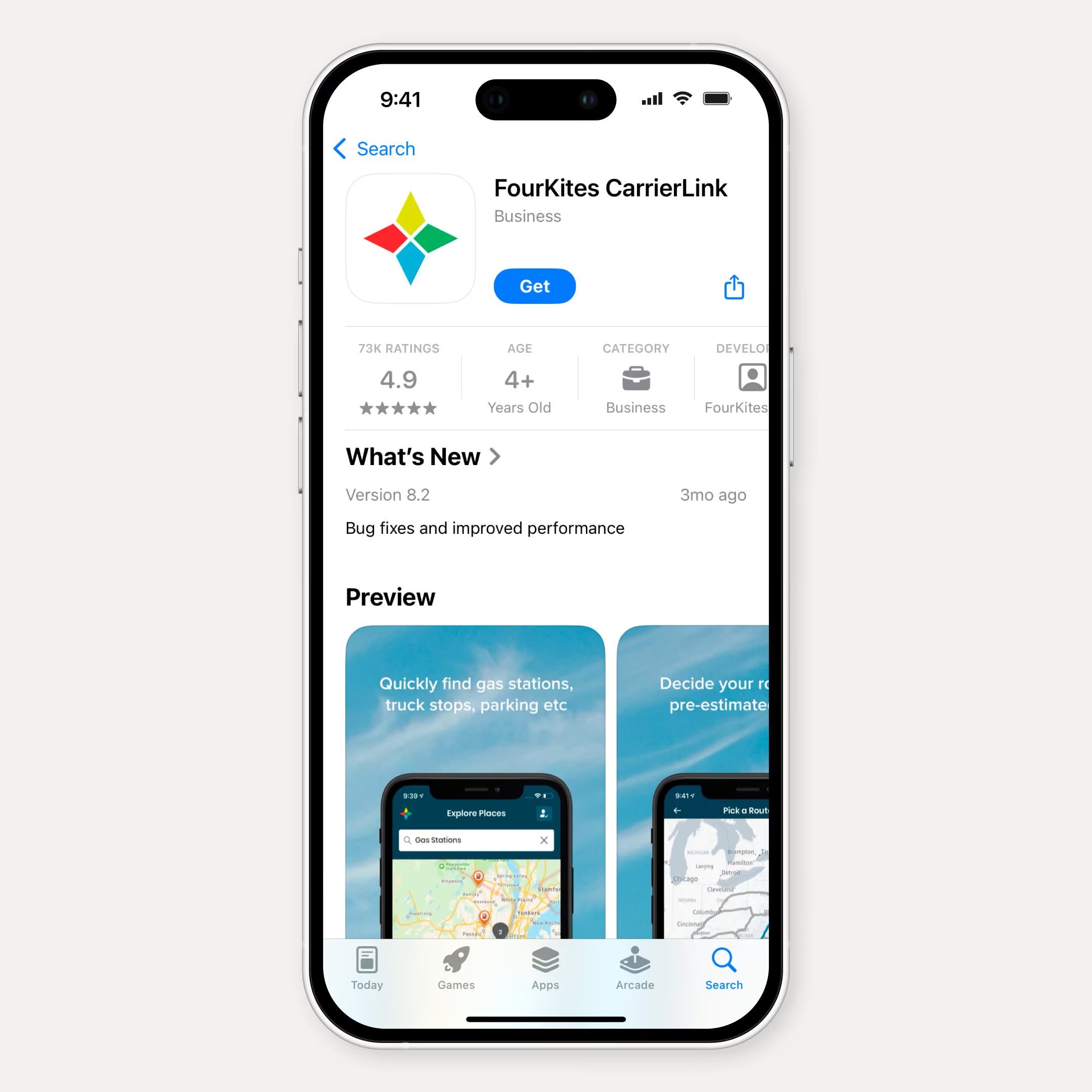
Download and Install
CarrierLink is available on the App Store (iOS) and Google Play (Android). Search 'CarrierLink' or use the direct download links.
The app is free.
The app is free.
02
First-Time Setup
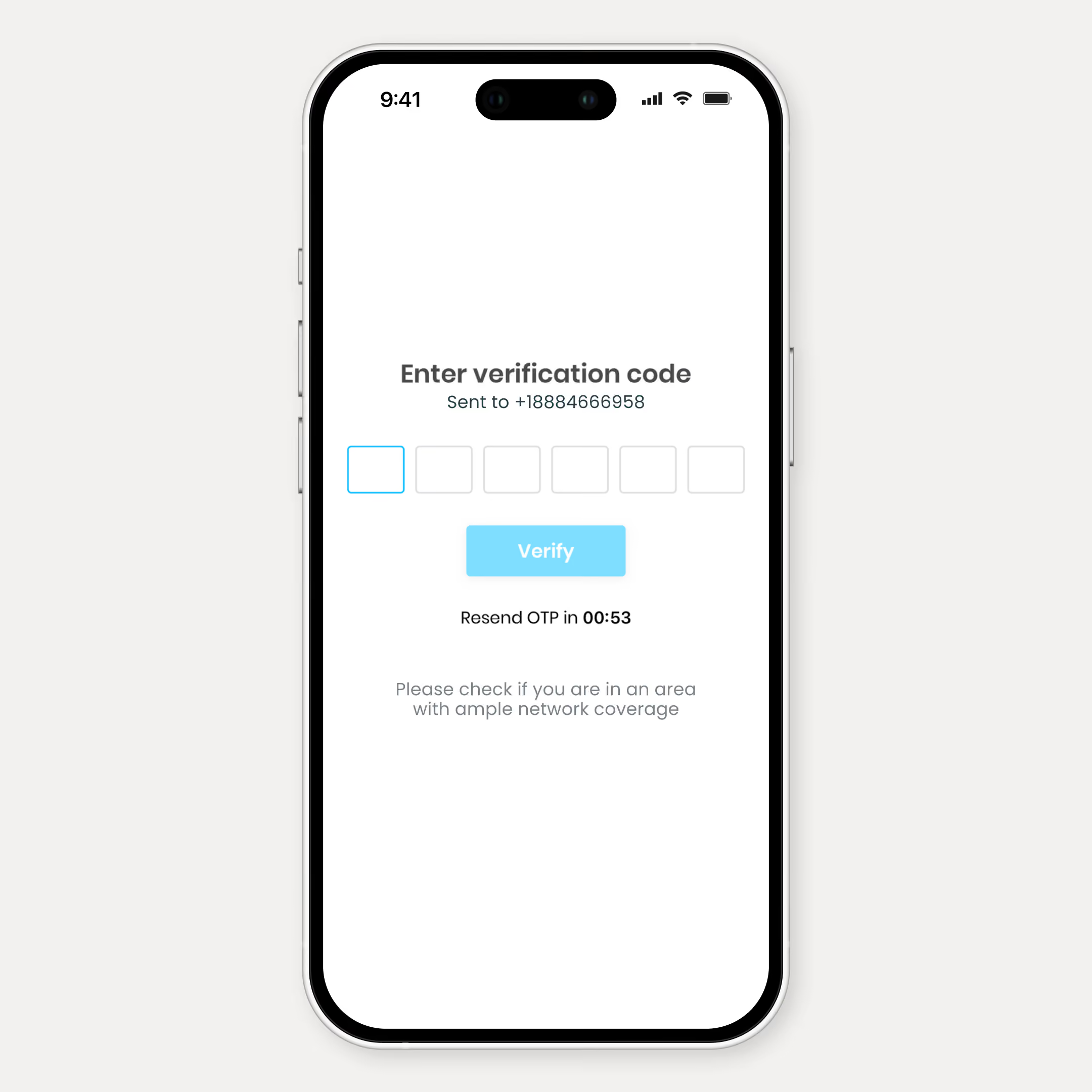
- Open the app and enter the registration code provided by your shipper or dispatcher
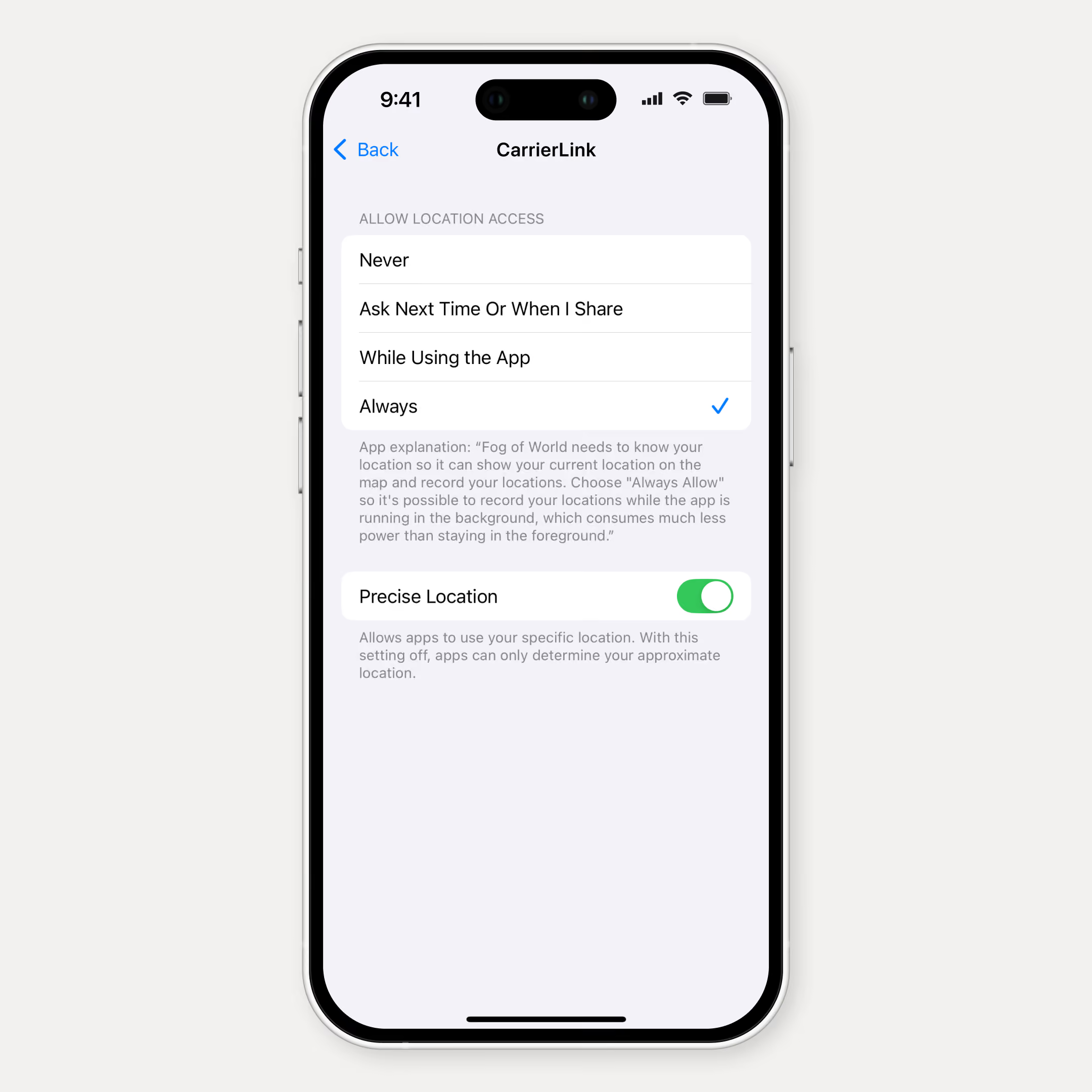
- Allow location permissions when prompted (required for GPS tracking)
- Accept your first load to begin tracking
- Tracking activates automatically and stops when the load delivers
03
GPS and Location Troubleshooting
- Set location access to 'Always' (not just 'While Using the App') so the app can keep sharing location in the background.
- Disable battery optimization for CarrierLink (Android) to prevent GPS interruptions
- If using a company phone, confirm your MDM policy allows location sharing
- For persistent GPS gaps, check FourKites Connect for diagnostic details
Common tasks
Quick guides for your daily operational requirements in the field.

Uploading Proof of Delivery
At delivery, tap 'Upload POD' in the active load. Take a photo of the signed BOL or delivery receipt. The image uploads automatically and attaches to the shipment record. No scanning, no email, no paperwork.

Viewing Facility Information
Before arriving at a pickup or delivery location, tap the facility icon on your active load. You'll see dock information, check-in procedures, hours of operation, and any special instructions from the shipper.

Managing Multiple Loads
CarrierLink supports multiple active loads simultaneously. Swipe between loads to view status, ETAs, and facility details for each.
Connection method support
Not using CarrierLink?
Support resources are available for all connection methods:
Support resources are available for all connection methods:

ELD/GPS Telematics
Integration troubleshooting, credential updates, provider compatibility
EDI 214/315
EDI mapping, transmission monitoring, error resolution
API Integration
Endpoint configuration, authentication, payload formatting
SFTP / Flat File
File format specs, upload scheduling, error handling
All connection method support is accessible through FourKites Connect or by contacting the carrier support team directly.
One billion hours of operational work completed by AI agents over the next decade.